
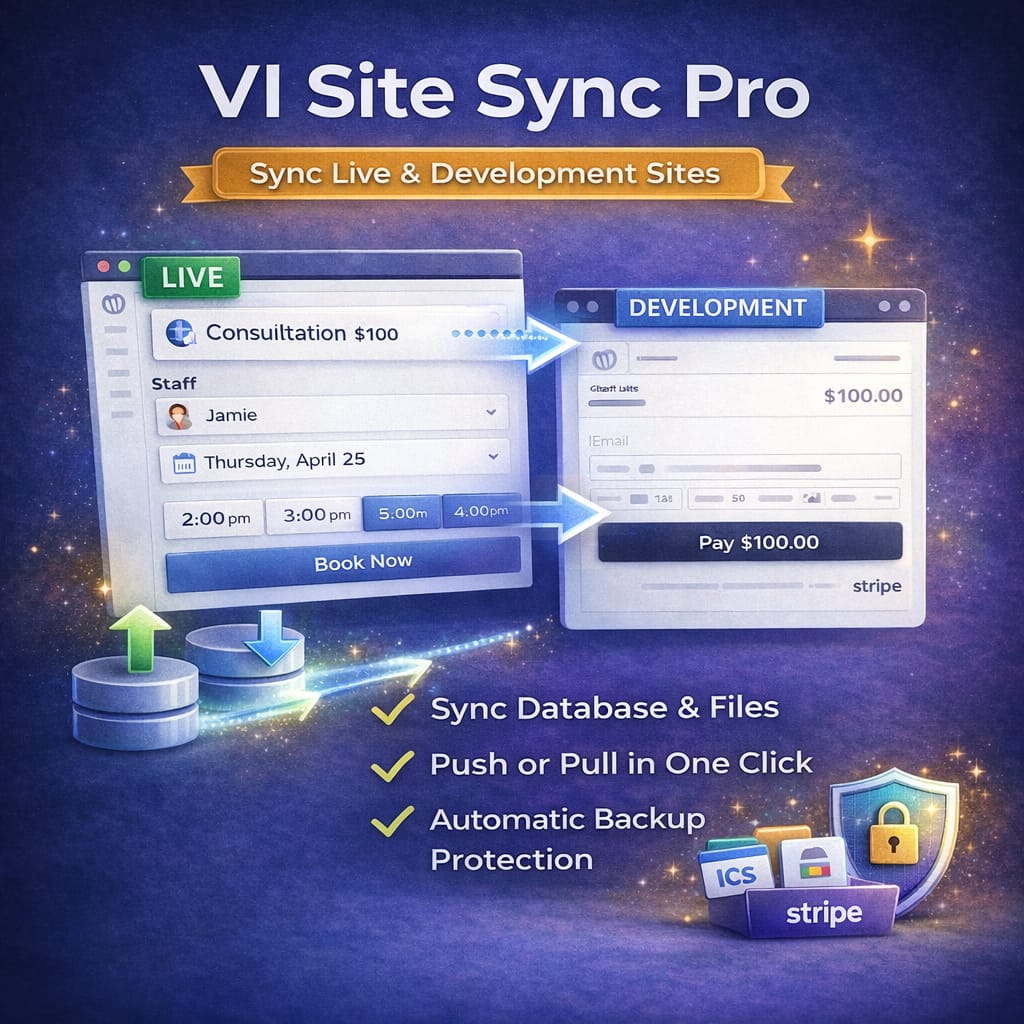
VI Site Sync Pro
Price range: $49.00 through $69.00
Safely sync WordPress sites between development and production
Moving changes between development and live WordPress sites shouldn’t involve manual exports, fragile SQL imports, or guesswork.
VI Site Sync Pro provides a reliable, developer-friendly way to sync databases and files between environments — with backups, URL replacement, and support for large sites built in.
No third-party services. No hosting lock-in.
🚀 What This Plugin Does
VI Site Sync Pro lets you pull or push content between WordPress sites with confidence.
You can:
-
Sync databases safely between environments
-
Transfer uploads, themes, and plugins
-
Automatically replace URLs (including serialized data)
-
Protect your site with automatic backups before every operation
-
Handle large sites with chunked file transfers (Pro)
It’s designed for real development workflows, not one-time migrations.
🎯 Perfect For
-
Developers working with staging or local environments
-
Agencies maintaining client sites
-
Divi and page-builder sites with serialized data
-
Sites that need repeatable, reversible syncs
-
Anyone tired of manual database exports
If you maintain more than one environment, this plugin saves time — and mistakes.
💎 Feature Breakdown
🆓 Free Features
| Feature | Description |
|---|---|
| ⬇️ Pull from Live | Sync live site data down to development |
| 🗂️ Uploads Sync | Transfer media uploads |
| 🔁 URL Replacement | Safe search/replace (handles serialized data) |
| 🛡️ Automatic Backups | Backup before every sync |
| 🔐 Secure API | Authenticated REST API with tokens |
🔓 Pro Features
| Feature | Description |
|---|---|
| ⬆️ Push to Live | Safely deploy changes from dev to production |
| 📦 Chunked Transfers | Large sites synced in 50MB chunks |
| 🎨 Theme Sync | Sync active themes |
| 🔌 Plugin Sync | Sync installed plugins |
| 📁 Full wp-content | Complete file synchronization |
| 🔁 Bidirectional Sync | Pull or push as needed |
🔄 How It Works
1️⃣ Install the plugin on both live and development sites
2️⃣ Designate each site as Live or Development
3️⃣ Exchange API endpoint + token
4️⃣ Test the connection
5️⃣ Run your sync
All operations are authenticated and logged.
🔐 Licensing Model
Each license allows two activations:
-
1 live site
-
1 development (or staging) site
This matches real-world workflows and avoids unnecessary complexity.
⚙️ Technical Details
-
Requires WordPress 5.0+
-
Requires PHP 7.4+
-
REST API-based transfers
-
Handles serialized data safely (critical for page builders)
-
Improved error handling and logging (v2.0+)
📦 Installation
- Upload the plugin to
/wp-content/plugins/ - Activate on both sites
- Go to Tools → VI Site Sync
- Configure site roles (Live / Development)
- Connect sites via API token
- Run your sync
❓ FAQ
Is my data secure during transfer?
Yes. Transfers use authenticated REST API requests with token verification.
Does this handle serialized data?
Yes. URL replacement safely handles serialized data, which is essential for Divi and similar builders.
How many sites can I sync?
Each license supports one live site and one development site.
Is this a one-time migration tool?
No. It’s designed for ongoing sync workflows.
🏁 Final Word
VI Site Sync Pro removes the risk and tedium from syncing WordPress environments.
If you develop locally, use staging, or deploy changes regularly, this plugin gives you a repeatable, safe workflow — without third-party dependencies.
Additional information
| License | Free, Pro (Yearly), Pro (Renewal) |
|---|
Price range: $49.00 through $69.00
Reviews
There are no reviews yet.