
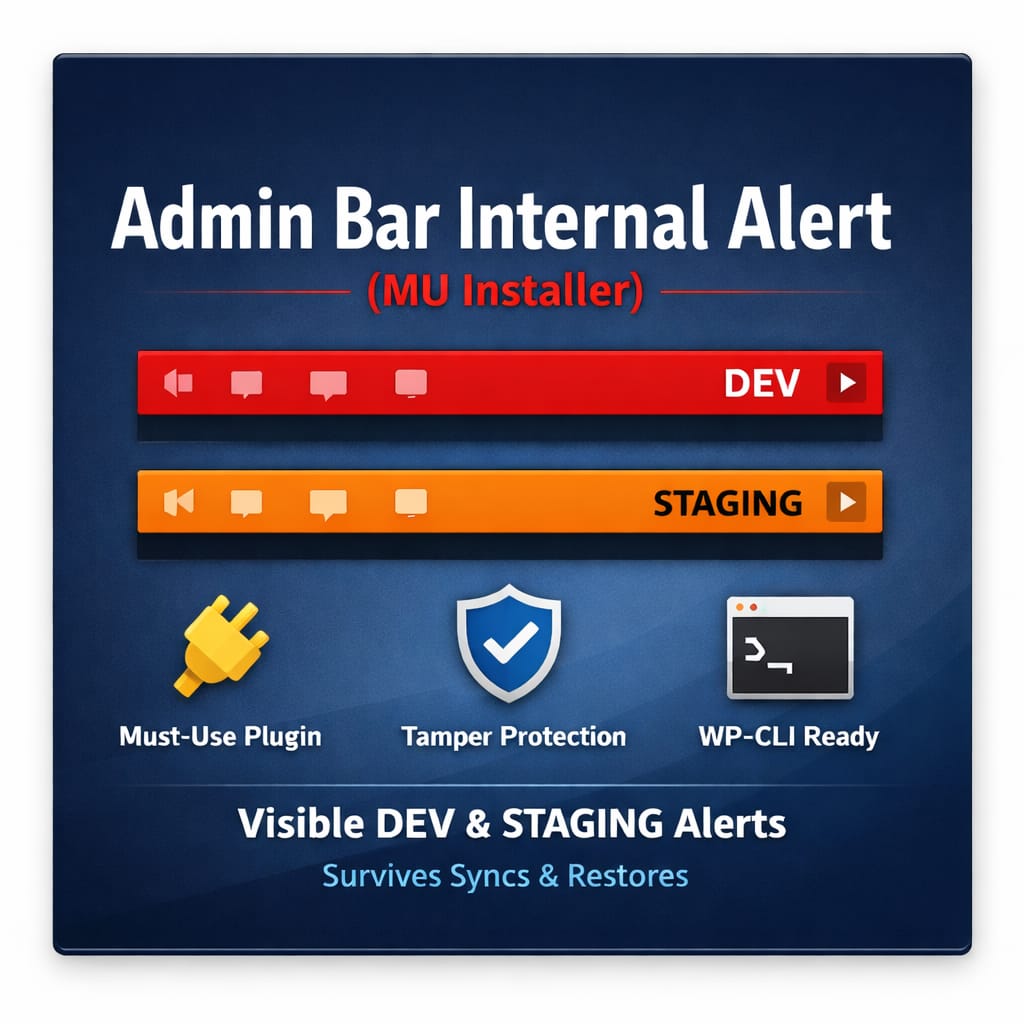
Admin Bar Internal Alert
$0.00
🛑 Visual Environment Safety for WordPress
Admin Bar Internal Alert helps prevent costly mistakes by making it immediately obvious when you are working on a development or staging site.
When installed, it adds a highly visible environment indicator to the WordPress admin bar and ensures it remains active even after migrations, restores, or sync operations.
This plugin is intentionally simple, dependency-free, and built for real-world WordPress workflows.
🔧 How It Works
-
Installs a small must-use (MU) plugin on first activation
-
The MU plugin:
-
Turns the admin bar red on development environments
-
Displays a clear DEV or STAGING label
-
Loads on both frontend and admin screens
-
-
The installer automatically deactivates itself after setup
Once installed, the environment indicator cannot be accidentally disabled via the Plugins screen.
🧠 Environment Detection
The plugin safely identifies non-production environments using:
-
Internal IP ranges (
10.x.x.x,192.168.x.x,172.16–31.x.x) -
Common development and staging hostnames
-
Localhost and containerized environments
No configuration required.
🔐 Integrity & Safety
-
Idempotent installation (won’t reinstall unnecessarily)
-
SHA-256 hash verification prevents tampering
-
Automatically repairs the MU plugin if modified
-
No data collection
-
No external requests
-
No database writes
🧰 WP-CLI Support
For automated or locked-down environments:
Install
Uninstall
🗑 Uninstalling
Because this tool installs as a must-use plugin, it is not removed through the standard Plugins screen.
Supported uninstall options:
-
WP-CLI (recommended):
-
Manual removal:
Delete the following file:
No database cleanup is required.
❤️ Support Development
This plugin is provided free of charge.
If it saves you from pushing a change to the wrong environment, consider supporting development:
$0.00
Reviews
There are no reviews yet.